- Enterprises
- Tenders
- Courts
- Intellectual property
- For foreigners
- Real estate
-
Translation Bureau
- Translation of documents
- Apostille services in Ukraine
- Apostille services abroad
- Legalization of documents
- Consular legalization for Italy
- Translation and legalization of documents for Spain
- Dichiarazione di Valore
- Examples of Apostille of different countries
- Examples of Consular Legalization for different countries
- Police Clearance Certificate


How to get a Bankruptcy certificate for the tender online
 29.11.2021
How do I get a bankruptcy certificate for an online tender?
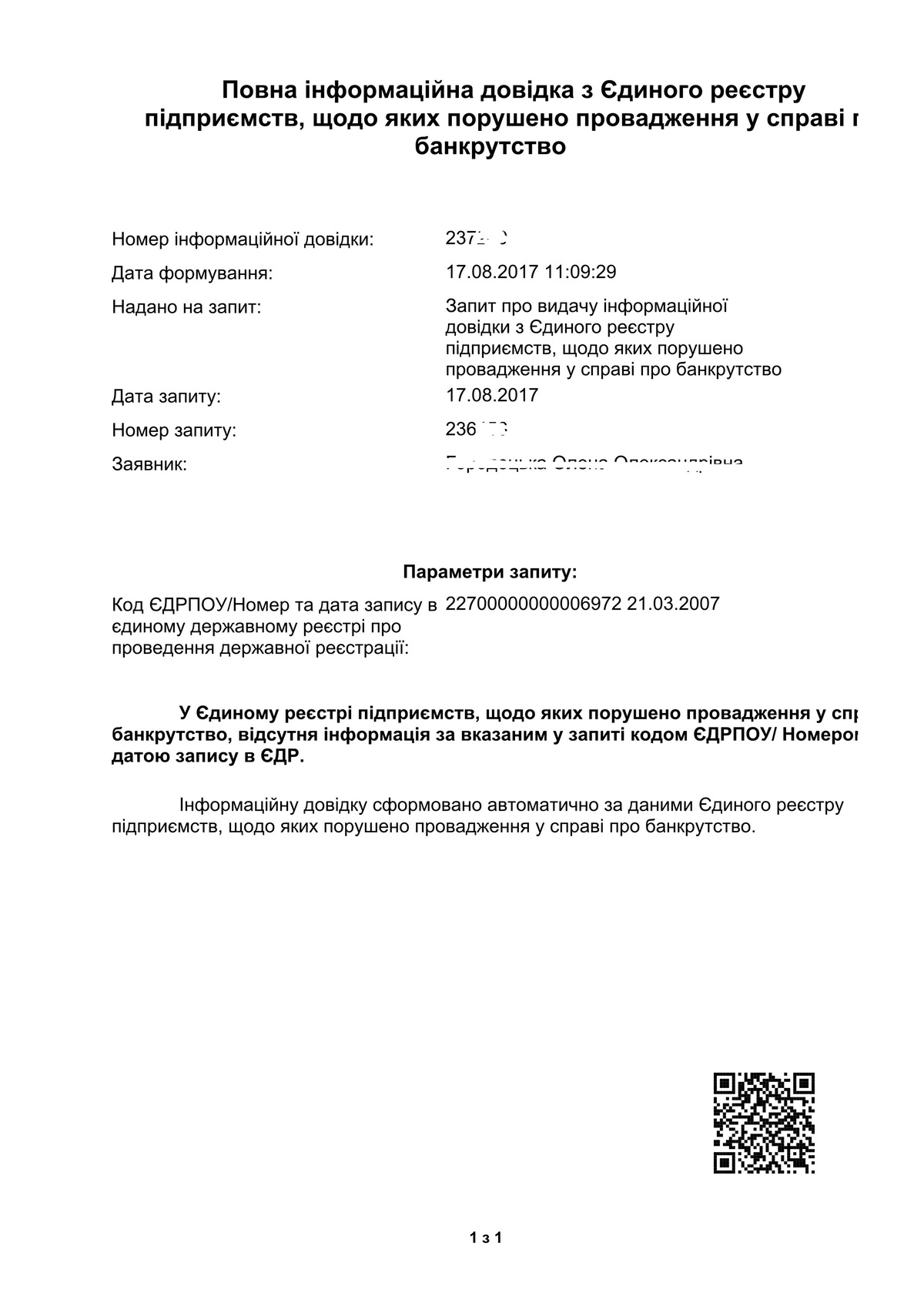
Bankruptcy certificate is an integral part of the preparation of documentation for the tender and the country provided for the possibility of ordering such a certificate online for maximum comfort of citizens.
Getting help online involves 4 steps.
STEP 1. Account Registration
By clicking on this link https://kap.minjust.gov.ua/login?b there will be a "Login" link in the upper left corner, then you will need to click "Register as a new user".
Next, check that you agree with the terms of use of the system.
Then select the type of user (individual/legal entity) and fill in the fields in the registration form. Next – the "Register" button.
Additionally: an e-mail box on the mail server mail.gov.ua will be created automatically after registration in the Cabinet. It is to this mailbox that the documents ordered in the Personal Account will be sent. The mailbox name and password is the login and password of your Personal Account.
STEP 2. Login to your Personal Account
On the page, select the "Login" tab and enter your username and password.
Click the "Login" button.
STEP 3. Getting certificate and the process of getting data
In the "Information certificate type" field, you need to select the type of certificate that you need. There are two types of certificates: Full and Abbreviated. In the "Personality type" field, you need to select your type: a legal entity or an individual entrepreneur.
Depending on the type you have selected, fields will appear on the page for entering data on which the query will be searched. For a legal entity, it is necessary to enter the code, for an individual entrepreneur - the number of the entry in the Unified State Register and the date of entry in the Unified State Register.
After the fields are filled in, confirm that you are not a robot, check the box and click "Complete the task".
If you have filled in all the fields, then the "Find" button will be available to you.
STEP 4. Search result
As a result of your actions, a certificate should be displayed on the monitor screen and in parallel, it will also be automatically sent to the email address that was automatically created after registering the Cabinet (mail.gov.ua ).